
How to play Perceptle
Perceptle is five short estimates played back to back: count a field of dots, predict where a ball lands, turn a needle to an angle, keep a beat, and split a line. One round takes about two minutes and ends in a single score out of 100 with a letter grade. This page walks through each test, the tolerance it is scored against, and what the number you get back actually means.
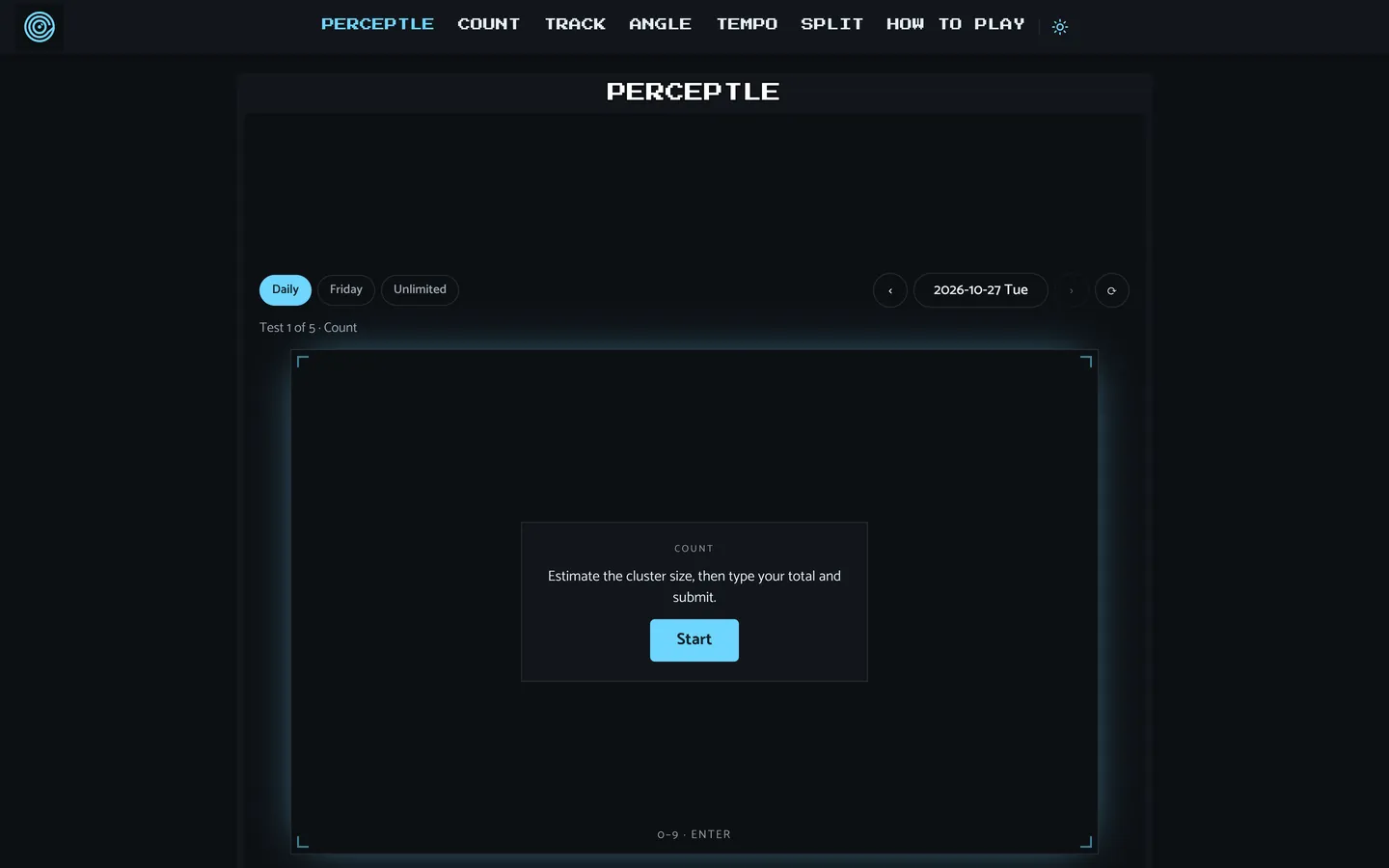
The three modes are three ways to pick a date
Every round is generated from a date, so the mode does not change the tests or the scoring — it changes which dates you are allowed to ask for. The seed is a hash of the date together with the mode name, and the five generators read it in a fixed order, so a date always deals the same five questions. Reloading the page cannot reroll them, and a phone in another country asking for the same date gets the same five.
Daily is the default: dates run from 18 July 2026 up to today, one day at a time, and the set turns over at midnight UTC. Friday restricts the strip to Fridays and runs each of the five events through its Friday variant — one rule bent per event, scored on a wider curve. Unlimited opens any date from 18 July 2026 to five years ahead, which is how you replay a set you liked or skip to one you have not seen.
Two consequences are worth knowing before you play. A Friday date inside Daily still uses the Friday generators, because the weekday is part of the date, but the set is not the same one Friday mode would deal for that date — the mode name is in the hash, so both banks exist side by side. And nothing is saved anywhere: the date is the only record, so "yesterday’s score" lives in your memory rather than in an account.
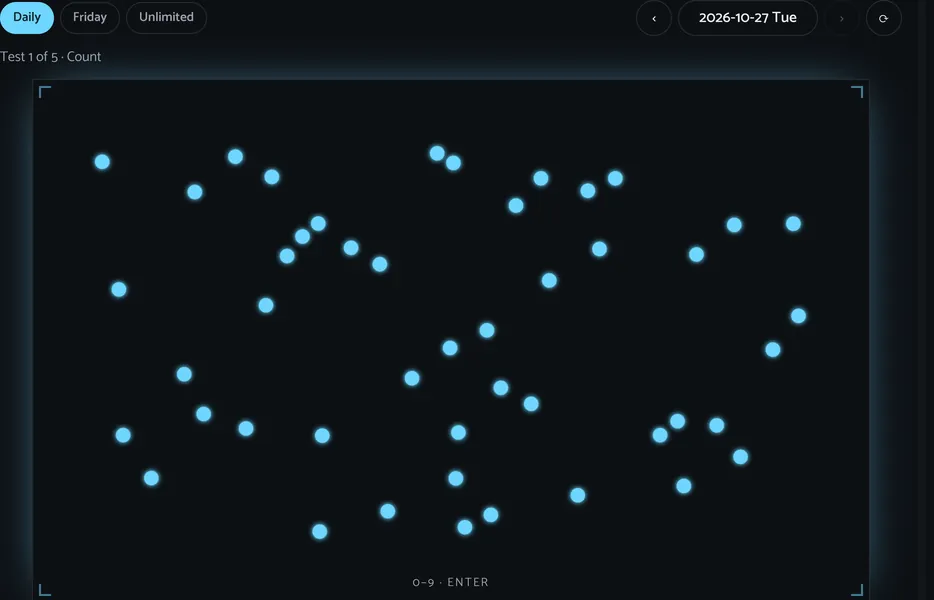
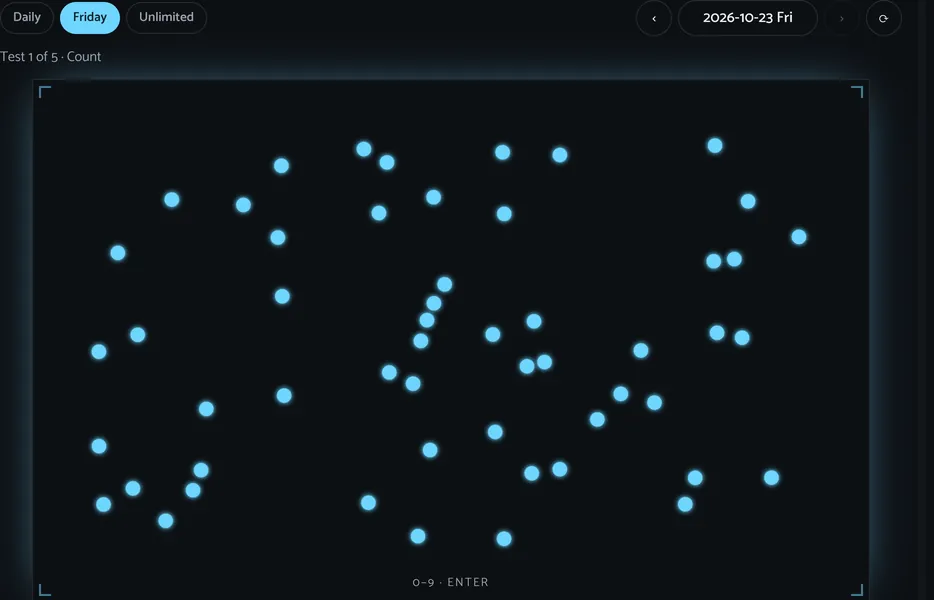
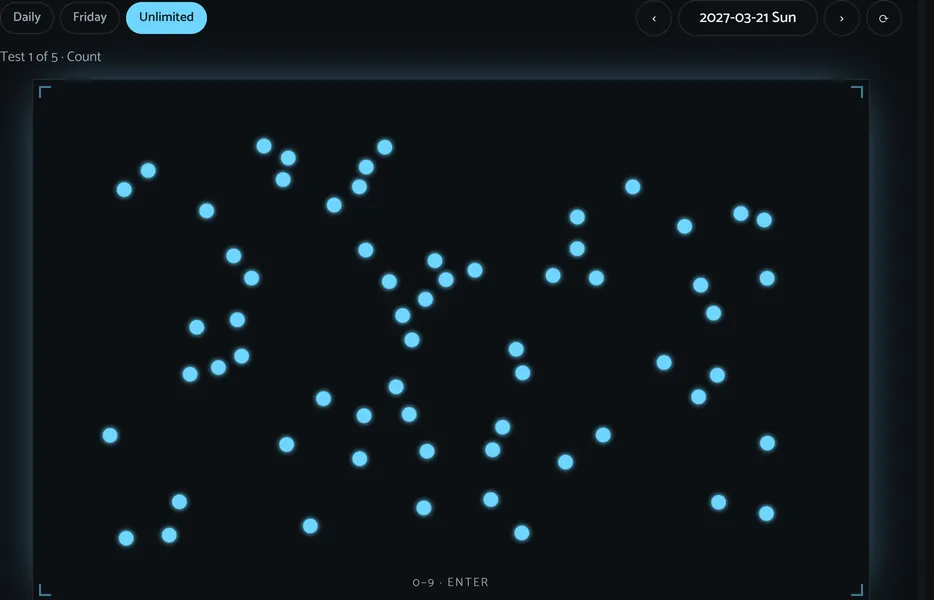
Pick the mode with the three pills above the stage, then use the arrows beside the date to move a day (or a week) at a time.
The five tests, one at a time
Each test measures a different judgement, and each is answered with a different instrument: a keypad, a point on a line, a rotating needle, taps, or a marker. All five are scored on the same curve, which is what makes a Count result and an Angle result comparable on one axis even though their raw misses are counted in dots, pixels, degrees, milliseconds and percentages.
Count
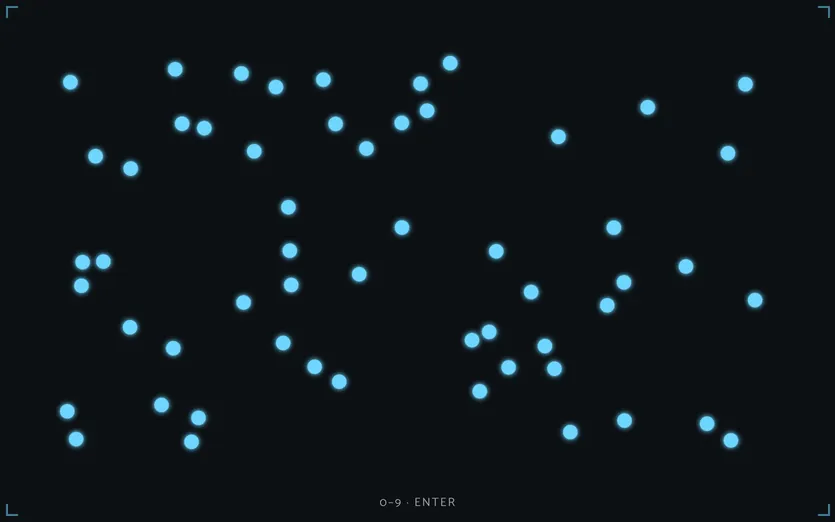
Between 45 and 85 dots appear on the board for two seconds, then vanish, and you type how many there were.
- How you answer it
- The keypad takes 0–9 and Enter; backspace deletes. There is no second look — the board is cleared the moment the flash ends.
- Tolerance
- The miss that scores 61 is 20% of the true count — 32% on a Friday.
- The mistake to avoid
- Tallying dots one by one is the mistake: two seconds is not enough for it, and the field is laid out with gaps precisely so that counting fails. Count one small patch exactly and multiply by how many patches fit on the board.
Track
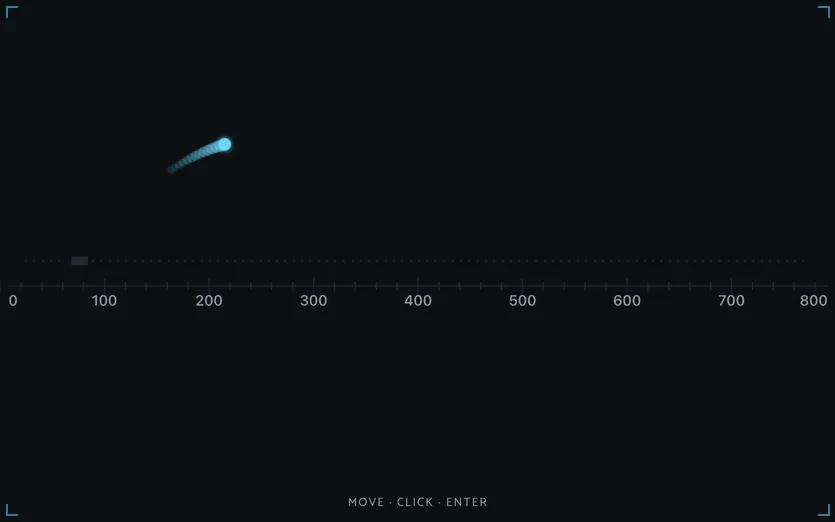
A ball is launched from the left edge, follows an arc and disappears in mid-air; you mark the point where it would meet the ground line.
- How you answer it
- Move the pointer with the mouse or the arrow keys, click (or press Enter) to lock the spot. The ruler under the line runs from 0 to 800 and is always visible.
- Tolerance
- The miss that scores 61 is 60 px from the landing point — 90 px on a Friday.
- The mistake to avoid
- Watching the ball instead of the arc is what costs the most. The apex sits halfway between the launch point and the landing spot, so the highest point of the arc you already saw is a mirror you can use after the ball is gone.
Angle
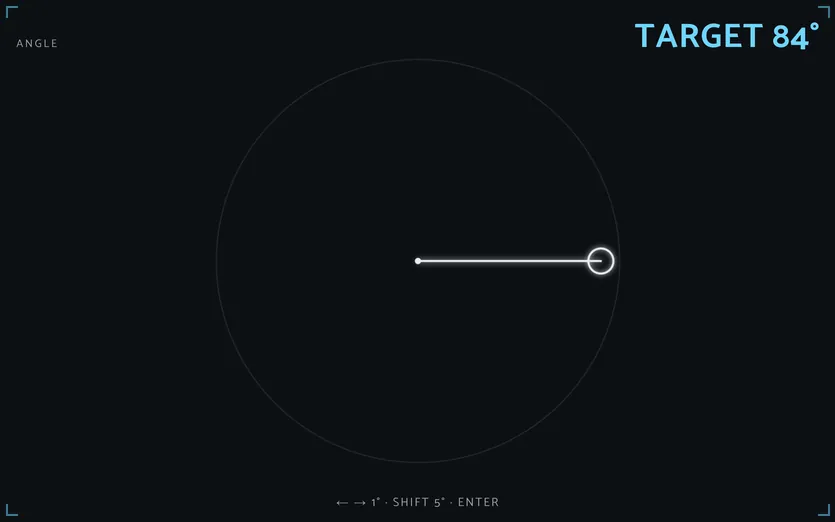
A target angle is printed in the corner of the stage; you turn a needle from zero to that angle.
- How you answer it
- Drag the handle, or use ← → for 1° and Shift with the arrows for 5°; Enter locks it in. The target can pass 360° on a Friday, which means more than one full turn.
- Tolerance
- The miss that scores 61 is 8° off the target — 14° on a Friday.
- The mistake to avoid
- Trying to land the target in a single drag is the mistake: once the needle leaves zero the eye has no reference to check it against. Go to 90° first, then add or subtract the remainder in 5° steps (Shift with the arrows) — the dial keeps the needle where you left it.
Tempo
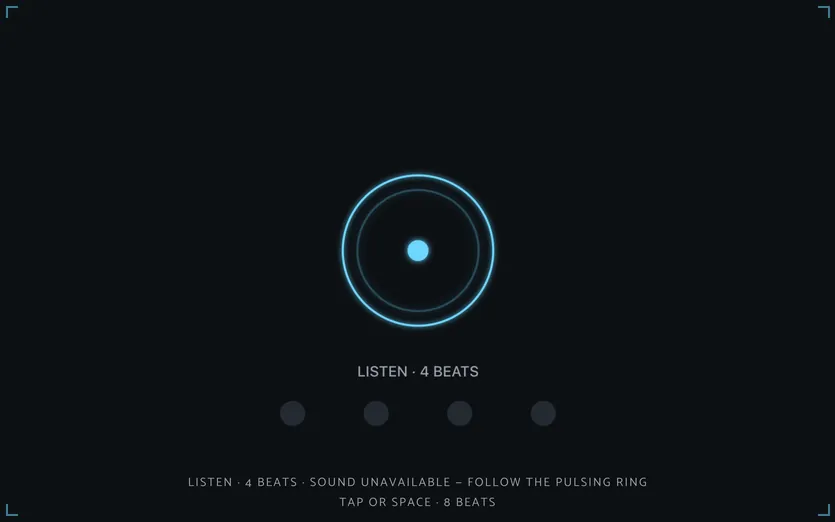
Four beats play, then silence: you keep the pulse yourself for eight taps.
- How you answer it
- Tap the stage or press Space on each beat. The eight taps are counted as YOUR TURN · 1/8 upward, and the round ends on the eighth.
- Tolerance
- The miss that scores 61 is 60 ms off the beat — 85 ms on a Friday.
- The mistake to avoid
- Tapping along with the four listening beats is the mistake — they are never scored, and the counter only starts at the first of your eight. Wait for YOUR TURN before the first tap.
Split
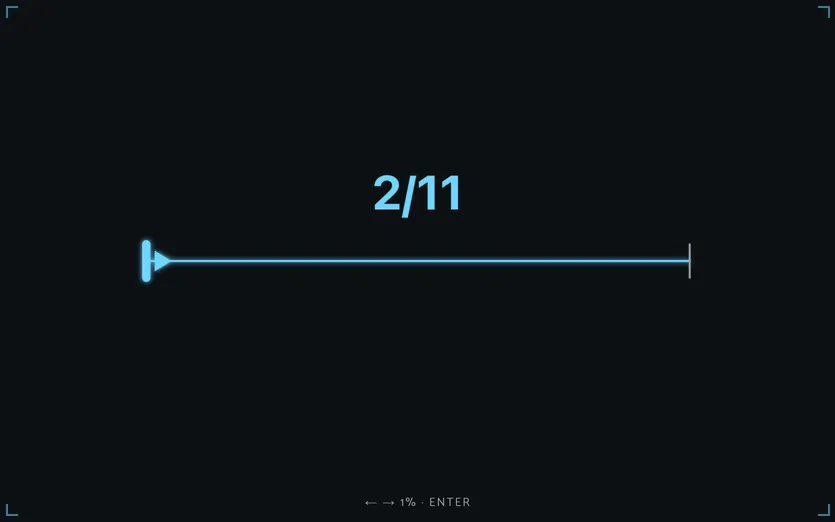
A fraction or a percentage is shown above a bare line, and you place a marker that far along it.
- How you answer it
- Drag the marker, or use ← → for 1% steps; Enter locks it in. The line is measured from the anchor at its left end in every question.
- Tolerance
- The miss that scores 61 is 5% of the line’s length — 10% on a Friday.
- The mistake to avoid
- Measuring from the right-hand tick is the mistake: the anchor is always on the left, so a marker placed from the far end lands mirrored. Read the line as 0 on the left and 100 on the right, whatever the fraction says.
Every test can also be played on its own at /practice — the five drills use the same generators and the same curve, without the date.
How the score is worked out
A result is never a percentage of correct answers, because there is no single correct answer to estimate. The engine takes the size of the miss, divides it by the test’s tolerance σ, and feeds that ratio into one curve: 100 × exp(−0.5 × (miss ÷ σ)²). A perfect estimate scores 100; a miss of exactly one σ scores 61; two σ scores 14. Every miss beyond that is smaller still, and the score is clamped at 0.
The total is the arithmetic mean of the five single-test scores, rounded to a whole number. That means one bad event costs the same as one good event gains — there is no weighting, no bonus for speed, and no penalty for playing again. The grade comes from fixed lines applied to that total, not from a percentile against other players: nothing about your run is compared with anybody else’s.
| Grade | Score | What it means |
|---|---|---|
| S | 95–100 | a near-exact estimate |
| A | 85–94 | a small miss, no correction needed |
| B | 70–84 | a visible miss in one direction |
| C | 55–69 | the estimate was in the right area |
| D | 40–54 | a rough guess that landed |
| F | 0–39 | the estimate missed the area |
Because σ is stated per test, the same score means the same thing everywhere: 61 is one tolerance away from exact, whichever test you are looking at.
Reading the result panel
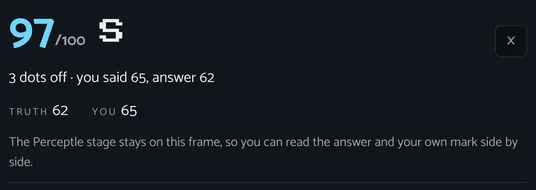
When the fifth answer is in, the panel gives four things in the same order every time: the score out of 100 and the grade beneath it, one sentence describing the miss in that test’s own unit ("3 dots off · you said 65, answer 62"), and the pair TRUTH and YOU so the two numbers sit side by side. Sharing is optional and starts from the same panel — a challenge link carries the question, not your score.
The stage is deliberately left on the frame you answered, behind the panel. For Count that means you can count the board yourself once it is lit again; for Track it means the landing point you marked stays visible next to the true one. Closing the panel with Escape or the × returns focus to the stage, so the next question can be answered without reaching for the mouse.
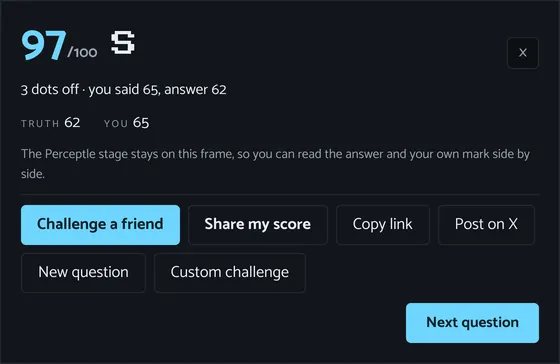
Read the miss sentence before the score — it tells you whether the error was a small miss in the right direction or a guess that landed by luck.
Keyboard, mouse and touch
Every test can be answered without a mouse. The stage prints its own controls along the bottom edge and they never change mid-round: 0–9 and Enter for Count, arrow keys with Shift for 5° steps on Angle, arrows plus Enter for Track and Split, and Space for Tempo. The mouse only makes the two dragging tests faster.
On a touch screen the same stages accept a drag: the Angle handle, the Split marker and the Track landing point all follow a finger, and the keypad is a set of buttons rather than a system keyboard, so nothing zooms in when you answer. The stage is drawn at 800 × 500 and scaled to the width of the container, which means a 320 px phone gets the same five questions at a smaller size — the board shrinks, the numbers do not change.
The site has no app and no install step. It runs in the browser, and the only thing it stores is the theme you picked.
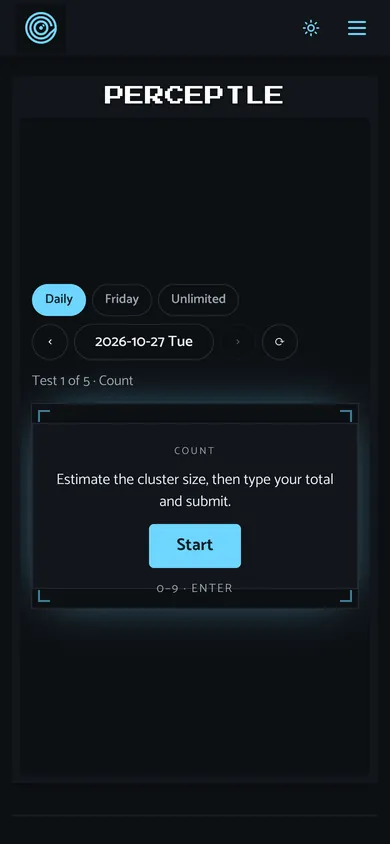
If a keyboard arrow key does nothing, the stage has lost focus: click anywhere on the board once and the keys work again.
Practice, and what happens to your scores
The practice pages take one event at a time, outside the calendar: /practice/count, /practice/track and the rest deal a fresh question every round, score it on the same curve, and leave the stage on the frame you answered. They exist for the moment after a bad Daily round, when you want to know whether the miss was the question or the estimate.
Practice never touches the Daily set. Playing fifty Count drills changes nothing about what today’s round asks, because the round is a function of the date and nothing else. It also never runs out: there is no limited pool of questions behind it.
Scores are shown once and not written down anywhere — no account, no history, no leaderboard. If you want a record, the share panel is the only way to take one off the page, and it carries the question rather than a running total.
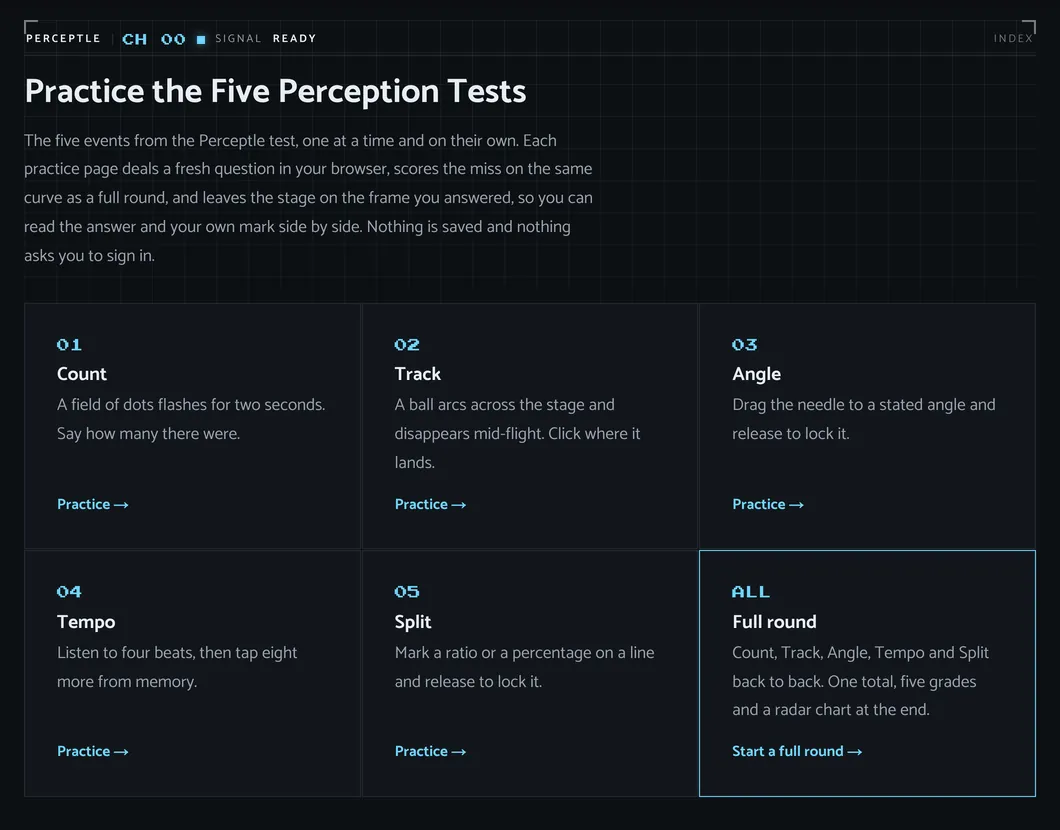
Open /practice after a bad round: the drills re-deal every time, while the Daily set stays exactly as it was.
Questions that come up on the first round
Six things people ask after playing once. None of the answers involves an account, because the site does not have one.

Frequently asked questions
Do I need an account to play Perceptle?
No. There is no sign-up, no email and nothing to log in to. Today’s questions are generated from the date, so the site can deal the same round to everyone without knowing who anyone is. Your score is shown once and not stored.
Can I replay today’s round?
Yes, as often as you like. The Daily set for a date never changes, so a second attempt is the same five questions in the same order — which is what makes a better second score mean something. Nothing stops you reloading; reloading simply deals the identical set.
Tempo made no sound. Can I still play it?
Yes. When the browser has no audio, the stage says SOUND UNAVAILABLE — FOLLOW THE PULSING RING and the ring pulses on the beat instead of clicking. The eight taps are scored on the same curve either way, so a silent round is a slower round, not a lost one.
Why is Friday different?
Because Friday bends one rule in each of the five events: the dots drift while you count them, the ball hangs longer, the angle target runs past a full turn, and the split line is shorter. Those variants are scored on a wider curve — 32% instead of 20% on Count, 90 px instead of 60 px on Track — because the extra difficulty is in the question, not in your estimate.
How is the total score calculated?
Each test is scored on 100 × exp(−0.5 × (miss ÷ σ)²), where σ is that test’s tolerance: 20% of the count, 60 px, 8°, 60 ms and 5% of the line. The five scores are averaged and rounded to a whole number, and the grade comes from fixed lines — S at 95, A at 85, B at 70, C at 55, D at 40.
Does Perceptle work on a phone?
Yes. The stage is drawn at 800 × 500 and scaled to the screen, so a 320 px phone shows the same five questions at a smaller size with no sideways scrolling. Dragging works with a finger on Angle, Split and Track, and the Count keypad is part of the page rather than the system keyboard.
Everything on this page is checkable in a single round: start the Daily set and watch the same numbers appear.
Start with today’s round
Five tests, about two minutes, one score. The round for today is already dealt, and it will not change until midnight UTC — so the only decision left is whether to play it now.
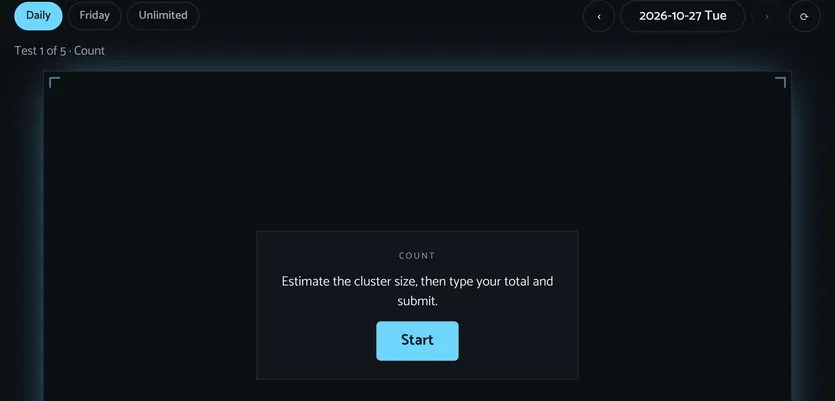
Press Start and the first test is Count: a board of dots and two seconds to decide how many.